PAUSE THE DESIGN, NOT THE DECISION
Can You Save a Custom Photo Phone Case Design Before Checkout?
Photo DIY · $35 per phone case
Open the photo studio →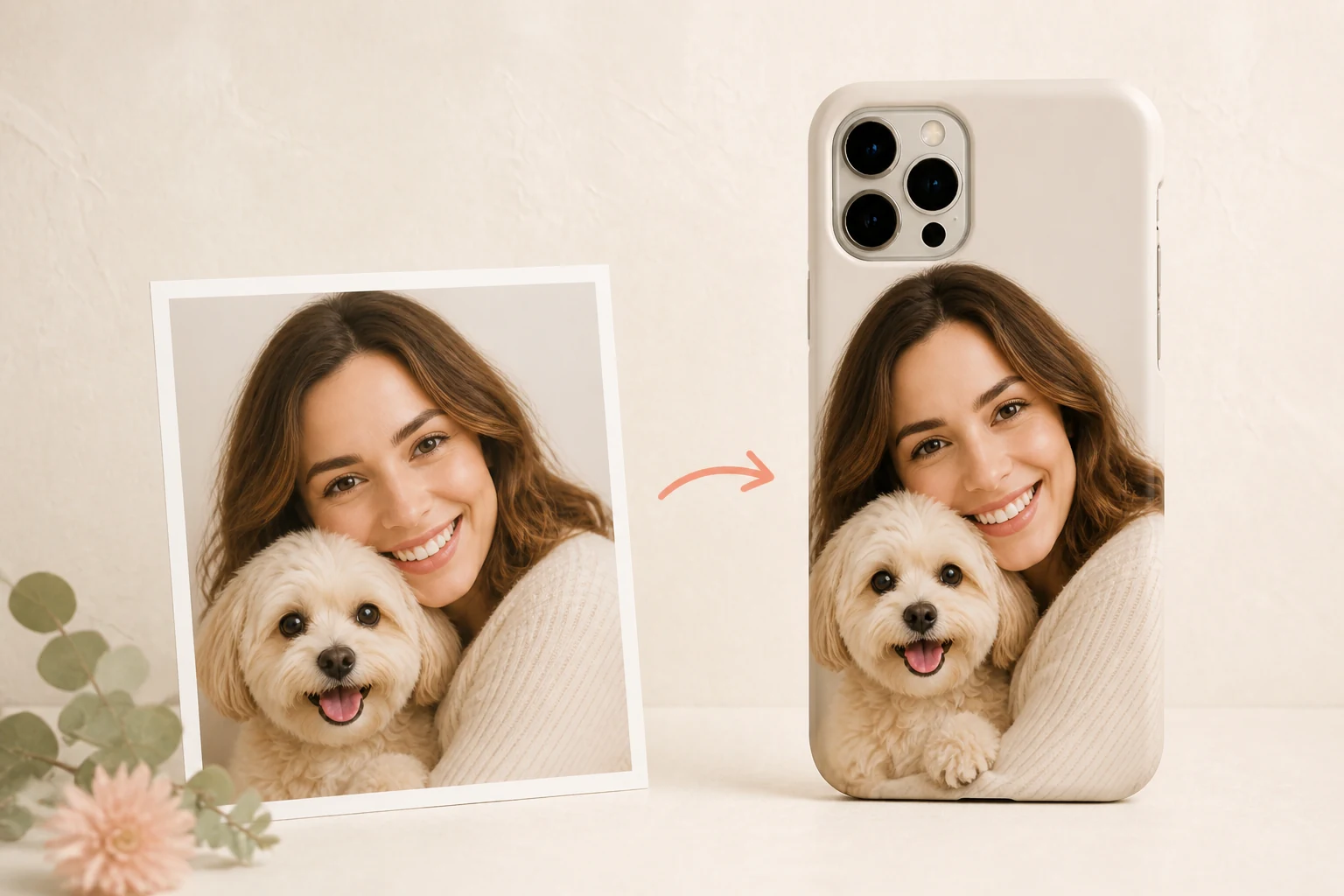
Yes—you can save a custom photo phone case design before checkout, but the boundary matters. In the current Mood In Case studio, the button is labeled Save draft on this device. It keeps your photo, layout and optional design email in that browser for up to seven days. It does not create an order, add the design to your bag, charge a payment method or send the artwork to our team.
This makes the draft useful when you need time to confirm the exact phone model, compare a crop with the original image or ask the gift recipient a careful question. It is not a cloud account or a reservation. If you switch phones, computers or browsers, do not assume the draft will follow you. Keep the original image file and return with the same device and browser.
Save after the important choices are visible
Start in the Mood In Case photo studio. The current phone DIY price is $35. Choose the case option and the complete phone-model name, then upload one PNG, JPG or WebP file up to 12 MB. If you are combining several photos, prepare the collage as one image before uploading. Nothing on this page changes those studio requirements.
Use Smart Arrange for a starting layout, Manual Adjust when you want to control the crop, or Studio Arrange when you want the team to prepare the composition. Check the camera opening and the case edges. When the preview shows the image and choices you want to revisit, move to the design summary and choose Save draft on this device.
Saving at that point gives you something specific to review later: the chosen device kind, case option, phone model, layout method, crop settings and photo. An optional design email may also be part of the browser draft. Use that field only if you want the studio to contact you about the artwork; it is not required for saving a draft.
A saved draft is not an order
The safest way to think about the feature is “private working copy on this browser.” It is separate from the buttons that save a design to the bag or start Buy now. Until you deliberately submit the design and complete checkout, there is no paid order. A draft also does not reserve a material, phone shell, price, production slot or delivery date.
That distinction prevents two common mistakes. First, closing the tab after saving a draft does not mean the studio has received your artwork. Second, seeing the draft again does not prove that today's options are identical to the day you saved it. Model choices, descriptions, policies and availability should be reviewed when you return.
Use the seven-day pause for a real check
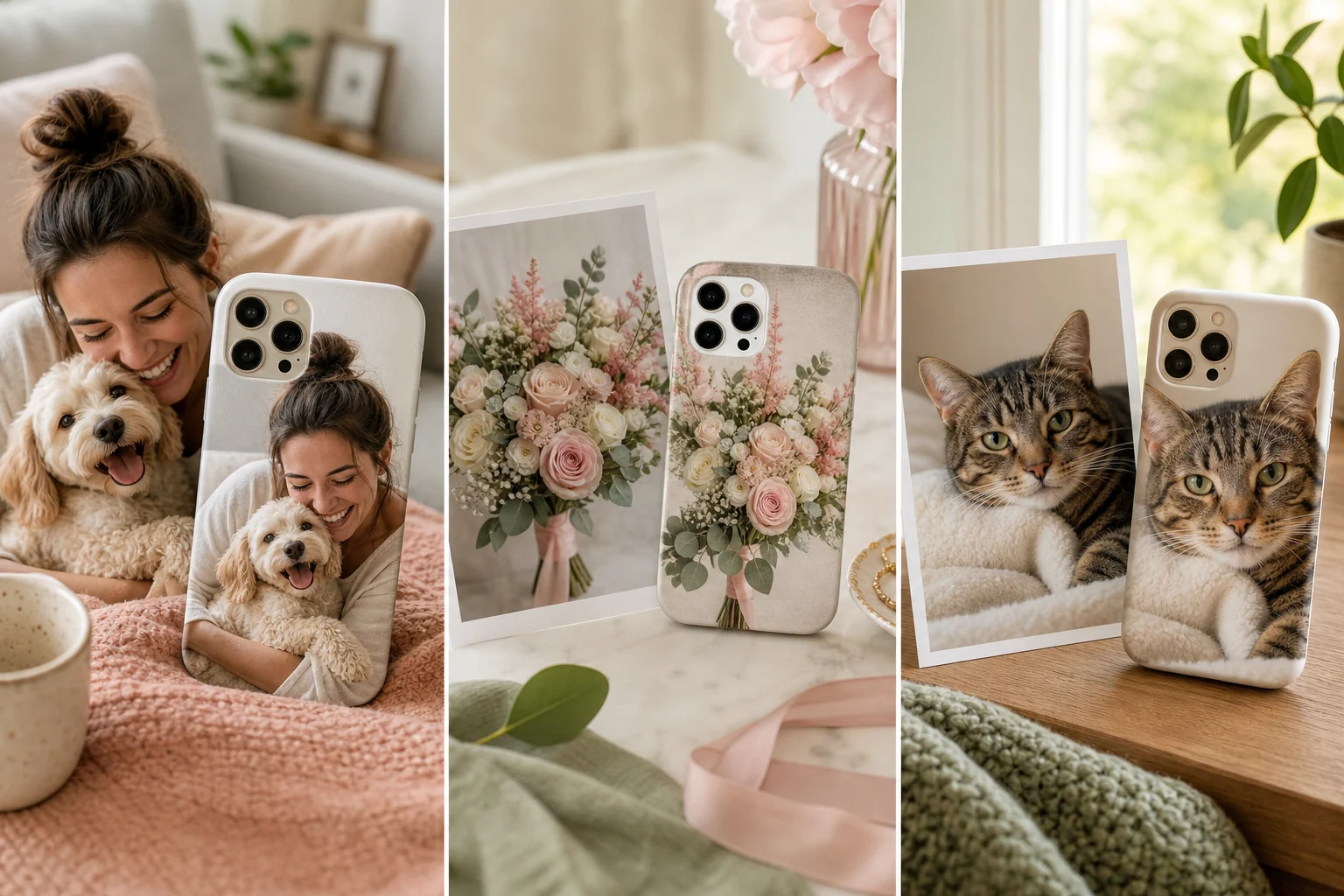
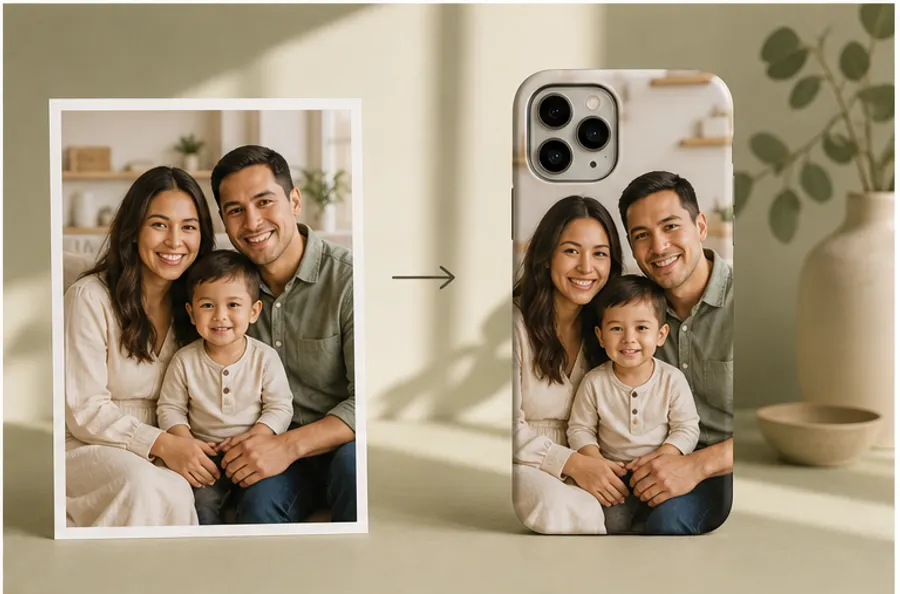
A short pause is most useful when it answers one buying question. For a family photo, confirm that every face remains clear around the camera area. For a pet portrait, compare the saved crop with the original and check the eyes, ears and paws you meant to keep. For a bouquet or artwork image, decide whether the important detail is large enough at phone-case size.
If the design is a gift, use the time to verify the recipient's exact model without revealing the whole surprise. “Is it an iPhone 15 Pro or iPhone 15 Pro Max?” is more useful than guessing from screen size. Similar names can use different camera openings and case dimensions.
Do not treat seven days as a promised recovery window on every device. Browser storage can be unavailable or cleared, and private browsing may behave differently. The original image is your durable source. If the draft disappears, upload that original again and rebuild the layout instead of assuming the studio has a copy.
Resume, review, then decide
Return to the same studio with the same browser and device. If the draft is still valid, use Resume saved design. The studio tells you to review the model and preview before ordering, which is the right final check even when the restored image looks unchanged.
Read the selected phone model in full. Check the case choice, layout method, crop, rotation and quantity. Review the current $35 phone-case price in the studio and the actual total at checkout. Open the shipping details and returns policy if timing or exchange terms affect the decision. A saved draft is not evidence of shipping eligibility or an arrival date.
When everything is correct, you can choose Save design & add to bag or Save design & buy now. Buy now checks out only that design; other saved bag items remain separate. Choose Stripe or PayPal on the next page if those options are available to you. This guide does not create a test order or verify a real payment.
Keep private photos off shared devices
The draft control advises avoiding shared devices. That matters because the photo, layout and optional design email stay in the browser. Do not save a private family, child, memorial or address-related image on a public computer. Use a device you control, and choose Delete saved draft when you no longer need the working copy.
Deleting a browser draft is different from changing an order. If you have already submitted and paid for a design, use the order support route rather than assuming the local delete button cancels anything. For a design that has not been submitted, deleting the draft simply removes the saved working copy from that browser.
The practical next step is simple: open the studio, build the preview far enough to make the decision visible, and save only if you need a pause. Create or save your Mood In Case photo design, then return on the same device to check the model and preview before ordering.
Draft questions before checkout
Can I save a Mood In Case photo-case design before checkout?
Yes. After you upload a supported image, use Save draft on this device. The current draft control keeps the photo and layout in that browser for up to seven days; it does not create an order or send the artwork to the studio.
Can I open the saved design on another phone or computer?
No cross-device or cross-browser restoration is promised. Return with the same browser and device, then use Resume saved design if the draft is still available.
Does saving a draft reserve a case, price or delivery date?
No. A browser draft is not a bag item, order, payment, production slot or delivery promise. Recheck the current model options, preview, price and policies when you return.
Should I save a draft on a shared device?
No. The studio advises avoiding shared devices because the image, layout and optional design email are stored in that browser. Delete the draft when you no longer need it.