To crop a pet photo for a phone case, keep the eyes and defining features inside the printable center, move them clear of the camera opening, and leave enough surrounding image for the crop to change with the phone model. The goal is recognition, not preserving every part of the original frame.
Start with the expression, not the whole photograph
The most useful first question is not “Can this photo fit?” It is “What makes this unmistakably my pet?” For a dog, it may be a tilted ear, a wide grin or the way the eyes meet the camera. For a cat, it may be the eye color, the whisker line or a familiar tucked-paw pose. Mark those features mentally before touching the crop. They are the details the composition must protect.
This changes how you judge a favorite image. A beautiful vacation photo can be weak case artwork if the pet occupies a small corner. A casual phone portrait can be stronger when the face is sharp, the eyes are open and the background gives you room to move. Emotional value matters, but the most personal detail still needs enough visual size to survive on an object you hold at arm’s length.
Compose around the camera opening
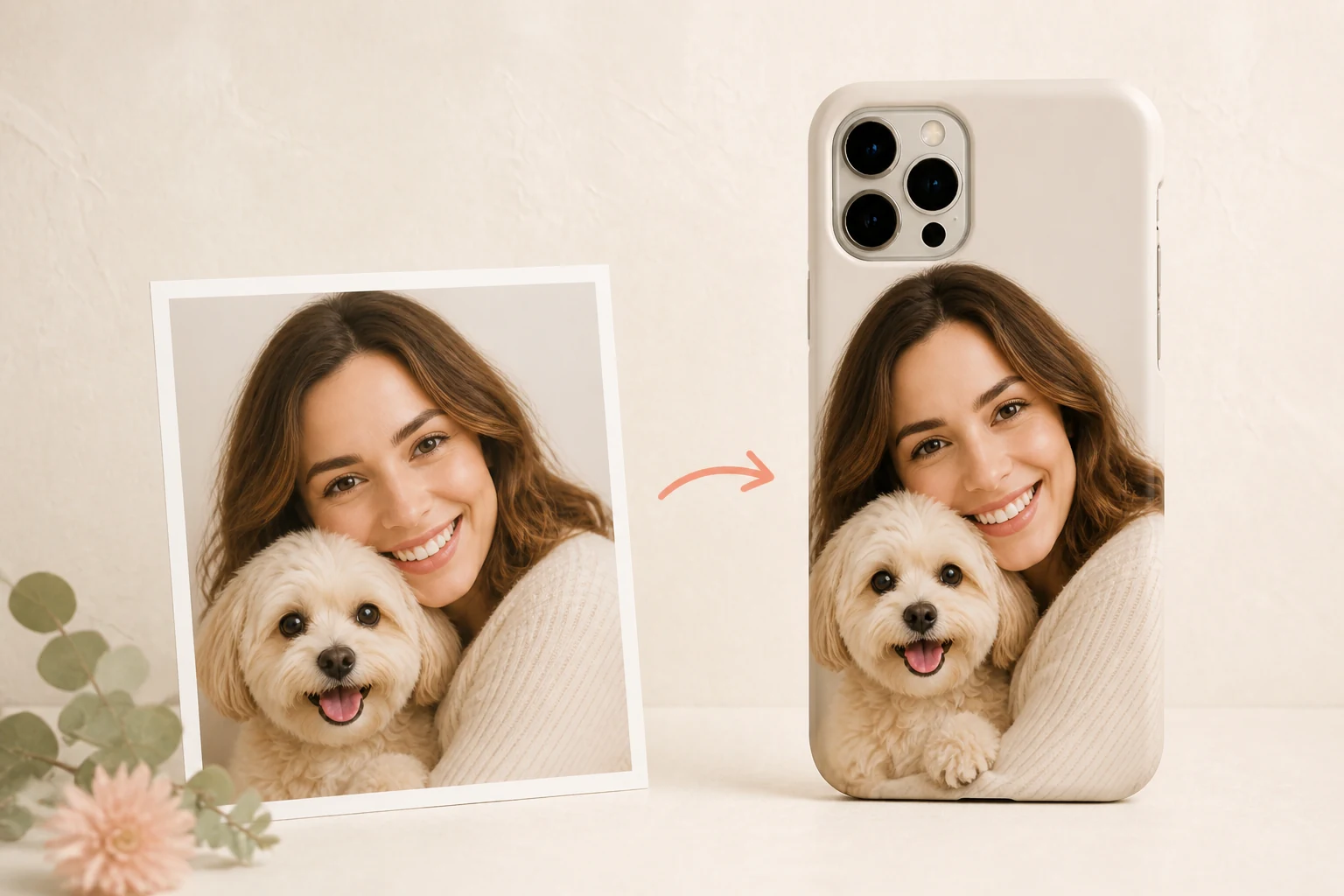
A phone case is not a blank rectangle. The camera opening occupies valuable space near the upper-left corner, and its size changes from one phone model to another. Treat it as part of the composition from the beginning. If an eye, ear tip or nose sits directly beneath that opening, no amount of careful printing can restore the missing shape.
Choose the exact model in the Mood In Case DIY Studio before making fine adjustments. Move the pet’s eyes toward the center or slightly right, then leave a small pocket of background between the head and the camera area. That buffer makes the crop feel intentional. It also prevents an ear from appearing to grow out of the hardware or a lens cluster from becoming an accidental part of the face.
Do not assume centering is always the answer. A three-quarter portrait may look more natural with the face just right of center, especially when the pet is looking back into the frame. Use the direction of the gaze to decide where the open space belongs. A pet looking left usually benefits from a little room on the left; a straight-on portrait can tolerate a more symmetrical crop.
Crop for a tall object, not a social post
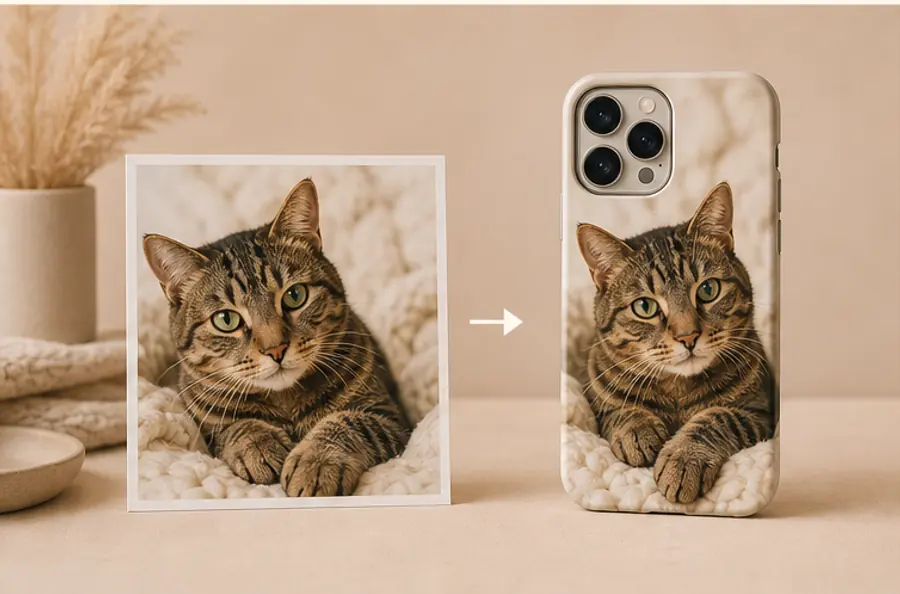
Many pet photos are composed for a square feed or a wide screen. A phone case is tall and narrow, so preserving the entire original frame often makes the subject too small. Begin by trimming unimportant space at the sides. Keep enough chest, paws or surrounding blanket to anchor the portrait, but let the face take visual priority.
With a close-up, resist cropping exactly at the chin, ear or paw. A narrow margin gives the subject room to breathe and makes small model-to-model adjustments less risky. With a full-body photo, check whether the pose remains readable at a smaller scale. If the expression disappears, a head-and-shoulders crop will usually tell the story more clearly than a distant silhouette.
Use the largest original you have
Cropping throws away pixels, so start with the original camera file whenever possible. Screenshots, images saved repeatedly from messages and small social-media downloads have already lost useful detail. That loss is especially visible in fur, whiskers and the boundary between a pet and a similar-colored background.
Sharpness is not the same as aggressive digital sharpening. Look at the eyes at full size: they should have a defined edge and a clear point of light rather than a smeared or blocky texture. Soft window light is often easier to reproduce than a dark room lit by one overhead bulb. If you are choosing between two memories, the cleaner source file gives the crop more freedom.
The phone case photo resolution guide explains the file-quality basics. In the Studio, use a PNG, JPG or WebP file and compare the preview after selecting your model. A strong source image gives you options; it does not guarantee that every crop will work, so visual review still matters.
Decide whether the background helps
A background can carry part of the memory: the blanket your cat always sleeps on, the trail where your dog looks happiest or the couch shared by a person and pet. Keep it when it adds context without competing with the face. Simplify it when bright objects, text or hard lines pull attention away from the subject.
Full-bleed photographs usually feel warm and immediate because the image reaches the case edges. A separated subject on a quiet ground feels more like a graphic portrait. Mood In Case Smart Arrange treats those inputs differently: full-color photos use a full-bleed crop, transparent PNG artwork keeps its transparency, and a plain white edge is cleaned only when the system has high confidence. You can also use Manual Adjust or request Studio Arrange if the automatic result does not protect the detail you care about.
Choose one photo unless the collage adds meaning
A single pet photo is the strongest default because it gives one expression the largest area. Choose it when the eyes, ears and posture already hold the memory. The image does not need to show the whole animal; a close crop can feel more personal because nothing else asks for attention.
A collage earns its space when the images say different things: a puppy photo beside a current portrait, two pets who were rarely photographed together, or a face close-up paired with a familiar full-body pose. Limit the layout to two or three frames, give one image priority, and check every face at the actual preview size.
The same hierarchy is visible in ready-made animal artwork. The Fluffy Gray Kitten Portrait for iPhone 17 Pro Max in White lets one face fill most of the case, while the Curled Orange Tabby Cat for iPhone 17 Pro Max in White keeps a compact full-body shape surrounded by open space. These are catalog designs rather than custom photo examples, but they make the scale decision easy to see: one dominant subject reads faster than several equally sized details.
For two pets in one photograph, build one compact shape. Similar head height and camera distance help both faces stay readable. Look for a shared baseline—a cushion, paws or shoulders—and protect both sets of eyes. For a person-and-pet photo, keep the eye line and point of contact. That connection matters more than unused background.
Run a final case-size check
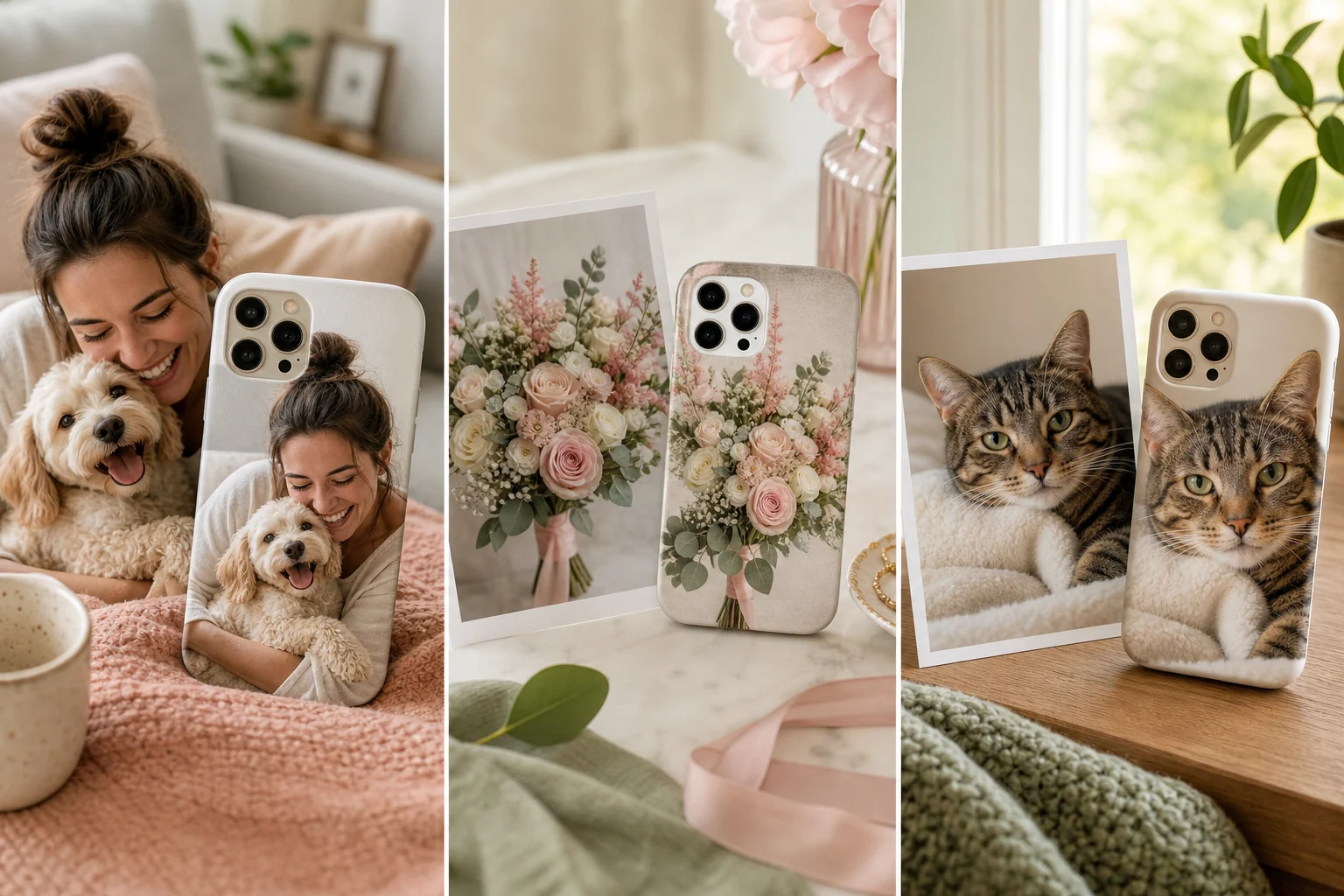
Before adding the design to your bag, look away from the preview and return to it at a smaller size. Can you still find the eyes immediately? Does the camera opening sit in background rather than anatomy? Are the ears, paws or person-pet connection comfortably inside the edges? If the answer is no, enlarge the subject, shift the crop or choose a cleaner original.
Then check the practical details: the exact phone model, selected case finish, crop mode and orientation. The live preview records placement, scale and rotation, while every submitted composition receives a human production check. If the memory matters more than your confidence with the tools, choose Studio Arrange and write a specific note such as “keep both ears visible” or “do not crop the child’s hand around the dog.” Specific instructions are more useful than “make it look good.”
The crop should preserve recognition
A pet photo phone case succeeds when the first glance brings back the pet, not when the crop preserves the largest possible area. Protect the expression, compose around the camera opening, use the best original file and let less important background become flexible space. That is the difference between placing a photo on a case and designing the photo for the case.
PET PHOTO CASE FAQ
Useful answers before you crop
What kind of pet photo works best on a phone case?+
Choose a sharp original photo with visible eyes, clean light and enough space around the head or body to move the subject away from the camera opening and case edges.
Should I use a portrait or landscape pet photo?+
Either can work. A vertical photo usually needs less cropping, while a landscape photo can work when the pet sits clearly on one side or when there is enough background to reframe the subject.
How do I keep my pet's face away from the camera cutout?+
Select the exact phone model before arranging the image, then move the eyes, ears and nose outside the camera area shown in the live preview. Leave a small visual buffer instead of placing the face directly against the opening.
Should I use one pet photo or a photo collage?+
Use one photo when a single expression already tells the story. Use a collage only when each image adds a different, necessary memory and every face remains readable in the phone-case preview.