A custom couple photo phone case works best when both faces form one compact focal area, sit clear of the camera opening and remain large enough to recognize at phone-case size. Choose for composition before sentiment: the best memory for the case may be a different frame from the one you would put in an album.
Look for one shared shape
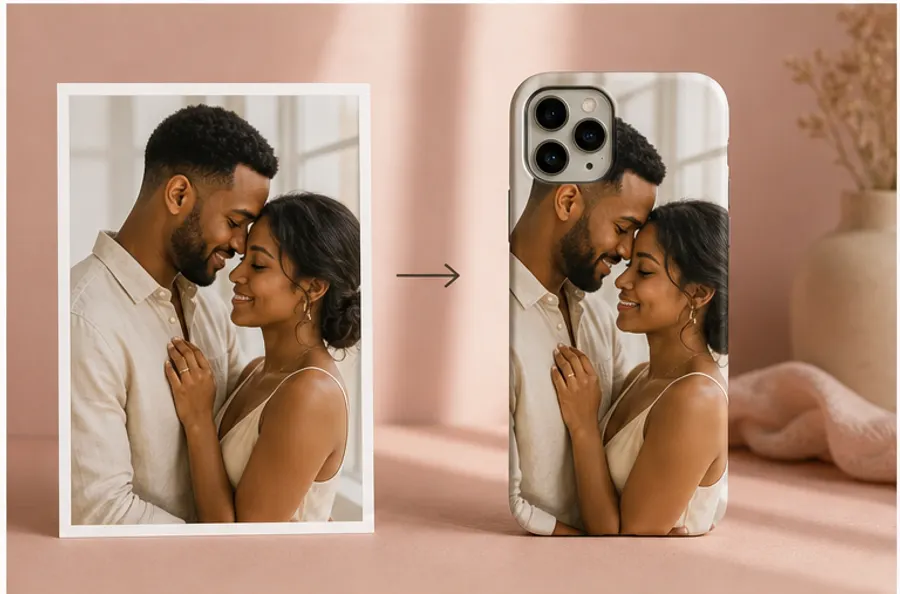
Two people can be in the same photograph without reading as a pair on a small vertical object. The useful question is whether their faces, shoulders and gesture make one shape. A forehead touch, side-by-side portrait or close candid usually holds together when the surrounding scene is cropped. Two full bodies standing several feet apart usually do not; either the people become tiny or one person is pushed too near an edge.
Start by covering the outer third of the photo with your hands or a crop tool. If the expression and connection still make sense, the image has a promising center. Similar distance from the camera helps too. When one face is much closer, the nearer person can dominate after enlargement while the other loses detail. A balanced couple case does not require symmetry, but it does need an obvious visual relationship.
Give the camera opening unimportant space
The upper-left part of a phone case is not reliable image territory. Camera modules vary in size and shape by model, and a crop that looks safe on one device can cut into a temple, hairstyle or shoulder on another. Select the exact phone model in the Mood In Case Custom Studio before making small placement decisions. The preview updates the camera area for that model.
Move both sets of eyes toward the visual center or slightly to the right, then let plain wall, sky, foliage or clothing sit behind the camera opening. Hair is not disposable background: losing the top of a head can make an otherwise careful portrait feel cramped. Leave a narrow buffer around the pair so a model change or rounded corner does not turn a gentle crop into an accidental one.
Vertical is easier, but horizontal can still work
A vertical portrait already speaks the same language as a phone case, so it usually needs less invention. A horizontal vacation photo can still work when both people stand close and one side of the scene is expendable. The difficult version is a landscape where each person occupies a different edge. Filling the case then removes one person; fitting the full width leaves both faces too small and adds empty bands.
For a wide photo, test the center crop before assuming you need a collage. If the couple remains close enough, use the background as bleed and keep the horizon away from the camera module. If the central crop breaks the story, choose another frame from the same moment. A slightly less polished photograph with a stronger shared pose will often make the better object.
Keep more than two faces in a tight cluster
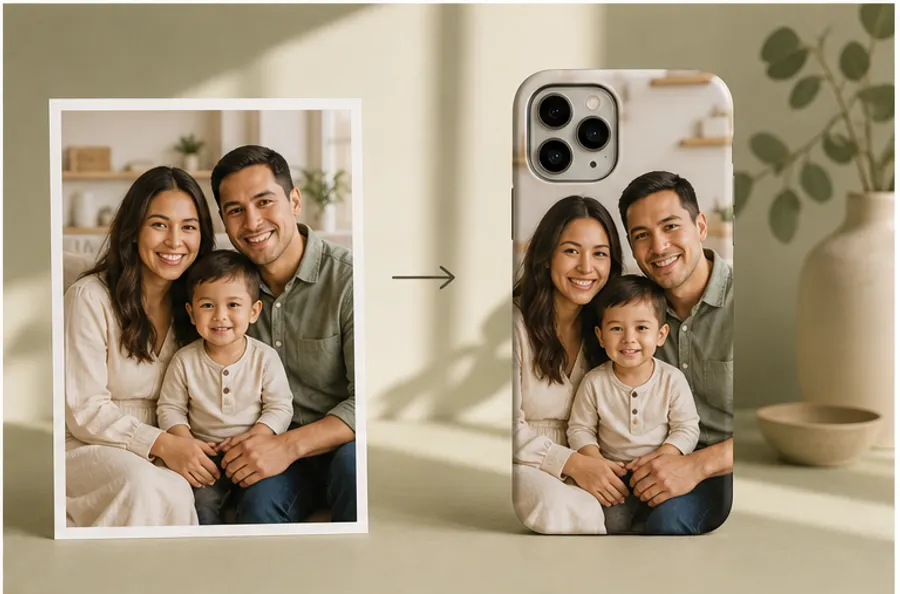
Sometimes the meaningful couple photo includes a child, friend or pet. Treat the group as one silhouette: bring the faces close in height, protect the smallest face first and avoid a long row that spans the full width. A triangle is usually more stable than a line because it gives the tall case a clear top, middle and base.
Use one photo unless the second adds meaning
Two-photo collages are useful when no single image carries the whole story—for example, an early trip paired with a recent portrait. They are not automatically more personal. Every divider, border and duplicate background reduces the space available for faces. If you make a collage, use two panels with a simple division, match their brightness and keep text short enough to remain legible without crowding the camera area.
Prepare the collage as one finished PNG, JPG or WebP before uploading, or choose Studio Arrange and explain which image should lead. Avoid screenshots of social posts, interface chrome or saved story frames. The photo resolution guide explains why the largest original file leaves more room to crop without making facial details soft.
Choose the layout method by how much control you want
Smart Arrange is the useful starting point for one clear photograph. It analyzes the image, fills a full-bleed photo and places the subject with the selected model's camera area in mind. Manual Adjust is better when you have a precise crop in your head: use Fit or Fill, drag, zoom, rotate and nudge while watching both faces. Studio Arrange is for a photo that needs judgment rather than another automatic crop. Tell the studio what cannot be lost—“keep both faces and her hand visible” is more actionable than “make it romantic.”
Every submitted composition receives a human preflight check for image quality, safe placement and camera clearance. That check is a final production safeguard, not a substitute for choosing a workable source. If the faces begin small or blurred, moving them cannot restore detail that is not in the file.
A meaningful detail can be stronger than a weak portrait
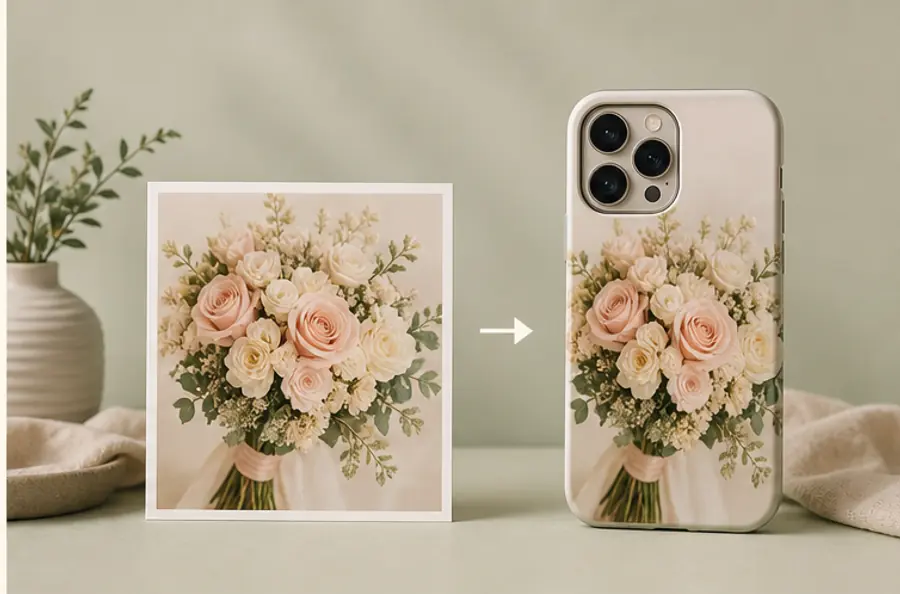
Not every relationship memory needs two faces. A wedding bouquet, handwritten note, concert ticket or landscape from a shared trip can carry the moment through color and detail. This route is especially useful when the only portrait is distant, dark or heavily compressed. It also produces a quieter case for someone who wants the memory without displaying a photograph of themselves.
Run a six-point preview check
Before adding the case to your bag, confirm six things: the exact phone model is selected; both sets of eyes are clear; the camera opening covers only background; no chin, hand or hairstyle is pinched by an edge; the image still reads at thumbnail size; and the chosen finish supports the look you want. Then review the current price, shipping information and 30-day free exchange and separate refund conditions shown on the site.
Only upload a photo you own or are authorized to reproduce. Mood In Case's privacy notice explains that custom artwork is not placed in a public gallery and describes how source images, previews and instructions are handled for production and support. The design decision is simpler: protect the relationship first, and let background become the flexible part of the crop.
COUPLE PHOTO CASE FAQ
Useful answers before you upload
What kind of couple photo works best on a phone case?+
Choose a sharp original photo where both faces are close together, similarly lit and surrounded by enough background to move the pair away from the camera opening and case edges.
Can a horizontal couple photo work on a phone case?+
Yes, when the couple forms a compact group and the background can be cropped. A wide photo with people at opposite edges usually needs a tighter crop or a different source image.
Can I use two separate photos on one custom couple phone case?+
Yes, but prepare a single finished collage before uploading, or choose Studio Arrange and describe which two images and details must remain visible. Keep the layout simple enough to read at phone-case size.
Will my uploaded couple photo appear in a public gallery?+
No. Mood In Case states that custom artwork is not added to a public gallery. It is stored and shared only as reasonably needed to prepare, fulfill and support the order, as explained in the privacy notice.